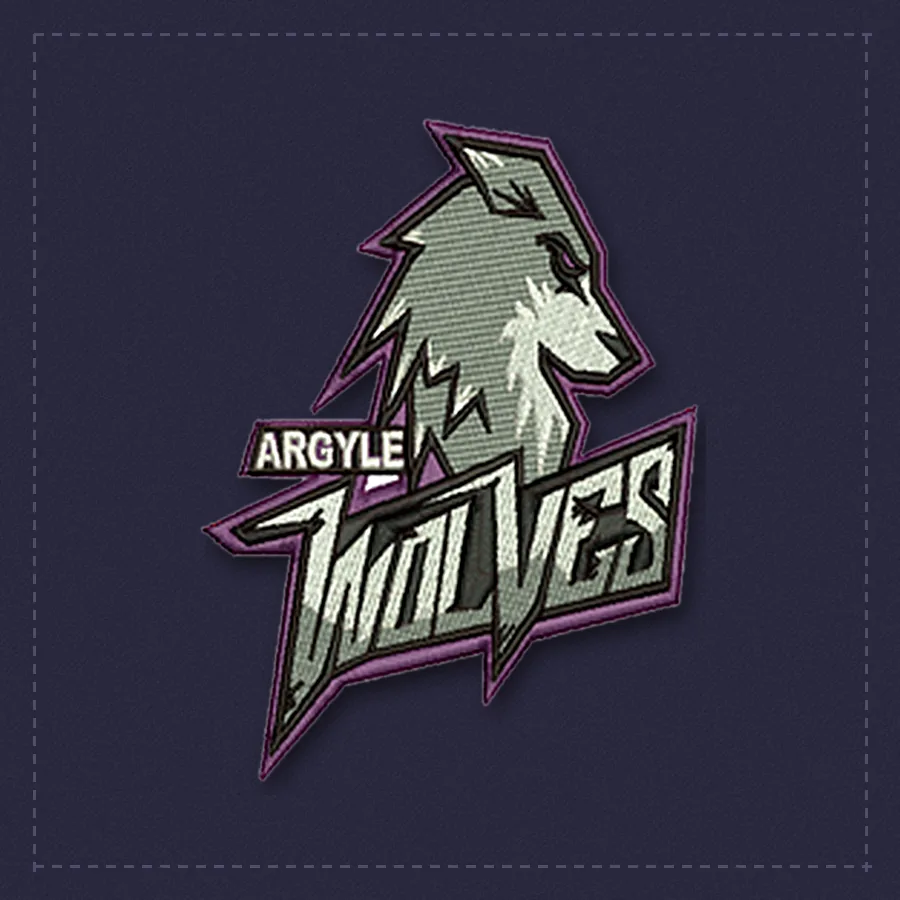
How to Prepare Artwork for Embroidery Digitizing
Send the best version you have
The clearer your starting image, the better the stitch file. Look for the largest file first: an AI, EPS, SVG or PDF is best, then a high-resolution PNG, then a JPG.
Taking a good phone photo
Place the logo flat on a table. Use daylight or a bright room, and avoid shadows and glare. Hold the phone directly above, fill the frame with the logo and tap to focus. If the logo is on a shirt, lay the shirt flat and smooth out wrinkles.
Tell us the details that matter
Include the finished size, where it will go on the garment, the fabric and your machine format. These four details change how a design is built.
Mention the colors
If you need particular thread colors or a thread brand, add them in the notes. If the art has gradients, tell us how many thread colors you want to use.
Know your limits
Very small text and thin lines do not stitch well. If your logo has them, we will suggest a simpler version for embroidery.
Related